Get started in 60 seconds
aireceipts reads the transcripts your AI coding agent already writes to disk and prints a priced receipt of what a session cost. No account, no API key; your transcripts and code are never uploaded (anonymous diagnostics are opt-out — see docs/telemetry.md).
This page takes you from nothing to a receipt, a setup report, a weekly total, and optional automation — in about a minute.
1. Run it
You don't install anything first. One command reads your newest session and prices it:
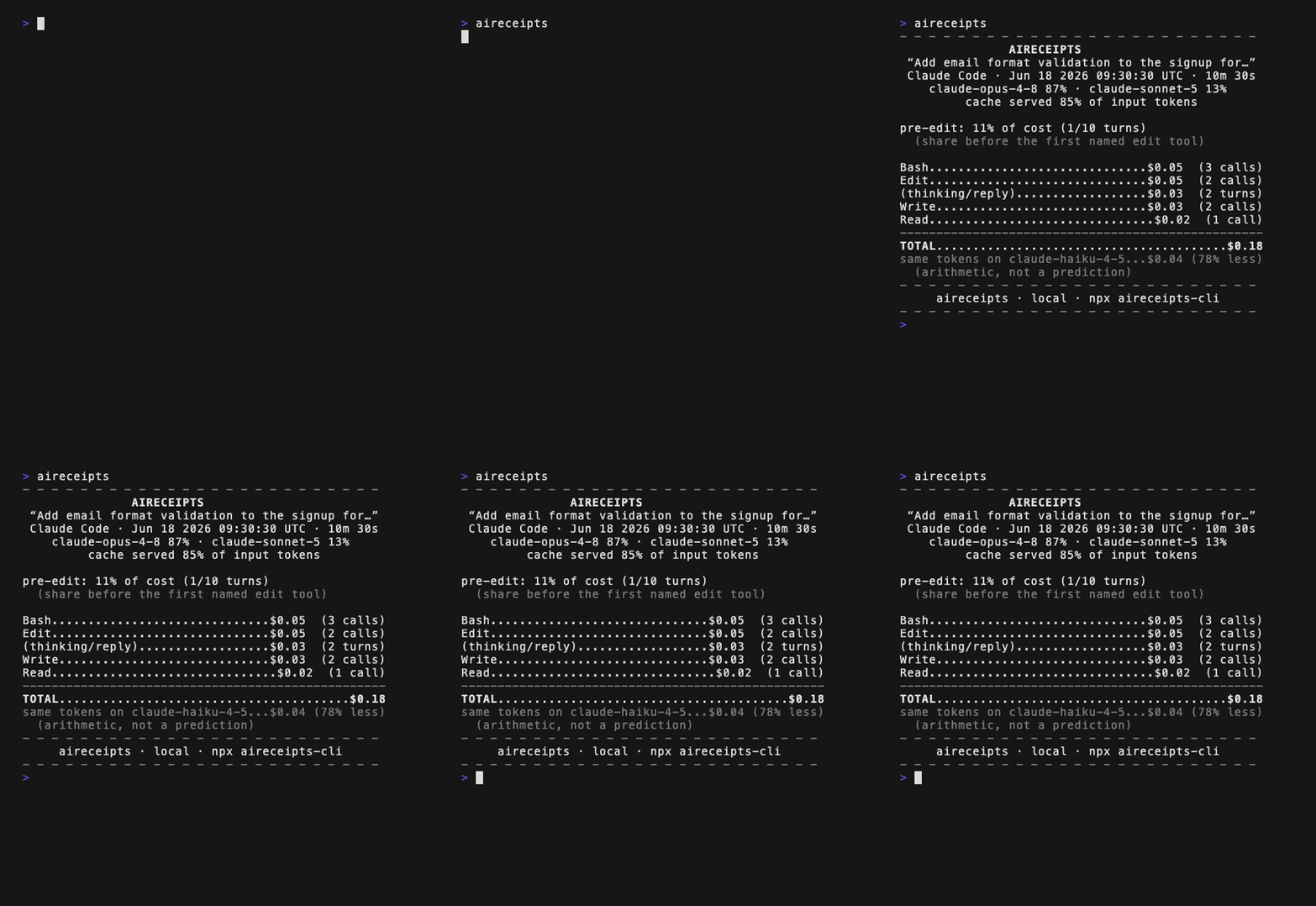
npx aireceipts-cliThe first time it runs, it prints a one-line note about anonymous diagnostics (and how to turn them off — see Troubleshooting), then the receipt. You'll see something like this:
- - - - - - - - - - - - - - - - - - - - - - - - -
                    AIRECEIPTS
 “Add email format validation to the signup for…”
 Claude Code · Jun 18 2026 09:30:30 UTC · 10m 30s
    claude-opus-4-8 87% · claude-sonnet-5 13%
         cache served 85% of input tokens

Bash..............................$0.05  (3 calls)
Edit..............................$0.05  (2 calls)
(thinking/reply)..................$0.03  (2 turns)
Write.............................$0.03  (2 calls)
Read...............................$0.02  (1 call)
--------------------------------------------------
TOTAL........................................$0.18
same tokens on claude-haiku-4-5...$0.04 (78% less)
  (arithmetic, not a prediction)
- - - - - - - - - - - - - - - - - - - - - - - - -
                npx aireceipts-cli
         github.com/anandgupta42/receipts
- - - - - - - - - - - - - - - - - - - - - - - - -
The final footer line identifies the open-source project that generated the receipt; the line above it is the install command. In PR comments and HTML artifacts, the same source-and-install destination is clickable.
That's a real session: which models ran, where the tokens went by tool, and what it cost — priced against dated, cited price tables. The same tokens on claude-haiku-4-5 line re-prices the identical token counts on a cheaper model; it's arithmetic, not a claim that Haiku would have finished the job.
If instead you see no agent session data detected, your agent's logs are somewhere aireceipts doesn't look yet. The default command exits 0 for that empty-state guidance — jump to Troubleshooting.
No sessions of your own yet? See one now:
npx aireceipts-cli --demoIt renders a bundled example session through the same pipeline your real sessions use — a genuine receipt, not a mockup — so you can see the output before your first run.
2. Run setup
Ask aireceipts what it found and what to do next:
npx aireceipts-cli setupThe setup report only reports — it changes nothing about your agents, repos, or settings (its only writes are aireceipts' own local cache and state under ~/.aireceipts/). It shows supported-agent session counts, the latest session's priced-or-token total, the trailing-week total, and local integration options. It does not post to GitHub, install hooks, or upload transcripts. If no sessions are found, it exits 0, lists the searched roots, and tells you to run a supported agent session first.
For exact snippets by assistant or CI surface:
npx aireceipts-cli integrations
npx aireceipts-cli integrations opencode3. Add up the week
One session is a number. The trailing week is a habit:
npx aireceipts-cli week WEEKLY DIGEST
Jun 18 2026 → Jun 25 2026 · since override
Sessions.........................................5
Priced total (5 of 5)........................$0.22
Tokens (all sessions)..................166,338 tok
By agent
Claude Code.......................$0.19 · 2 sess
Codex.............................$0.03 · 3 sess
Top waste
stuck-loop.....................$0.01 · 1 session
trivial-spans.................$0.00 · 2 sessions
vs. prior 7 days (Jun 11 2026 → Jun 18 2026)
Priced $ Δ.........................+$0.12 (more)
Tokens Δ......................+93,700 tok (more)
Excluded.........................0 now / 0 prior
--------------------------------------------------
npx aireceipts-cli
github.com/anandgupta42/receipts(This example pinned its dates with --since, which is why the header says since override — a plain week says trailing 7 days.)
Every session on your machine, across every supported agent, totalled for the last seven days — still local, transcripts never leave your machine.
Already have sessions? aireceipts works retroactively
Installed today after weeks of agent use? Your history is already on disk, and aireceipts reads it as-is — no re-running anything. Sweep every existing session in one command:
npx aireceipts-cli backfillThat prints a summary of what it found (and writes nothing). To generate the receipts, add --out:
npx aireceipts-cli backfill --out ./receiptsYou get one receipt file per session — byte-identical to running aireceipts <selector> on each — plus an index.txt manifest. --since <date> and --limit N narrow the sweep; --json emits the summary machine-readably. Re-running against the same directory is safe (it refuses to write into a directory it didn't create).
4. Make it automatic
You won't remember to run a command after every session. Let Claude Code run it for you:
npx aireceipts-cli install-hookIt shows you the exact change, asks before writing, and installs a SessionEnd hook. From then on a six-line mini-receipt prints when a Claude Code session ends. Full walkthrough: Install the agent hook.
Next
- Install — run it without
npxon every invocation. - Read a receipt — pick any session, not just the newest.
- Choose an integration — local hooks, assistant snippets, and GitHub checks.
- Set a budget — get an exit code when the week crosses a cap.
- FAQ — how this differs from usage dashboards, what the dollars mean on a subscription, what leaves your machine (nothing but disclosed, content-free telemetry), and more.